SHOW
Build the show queue
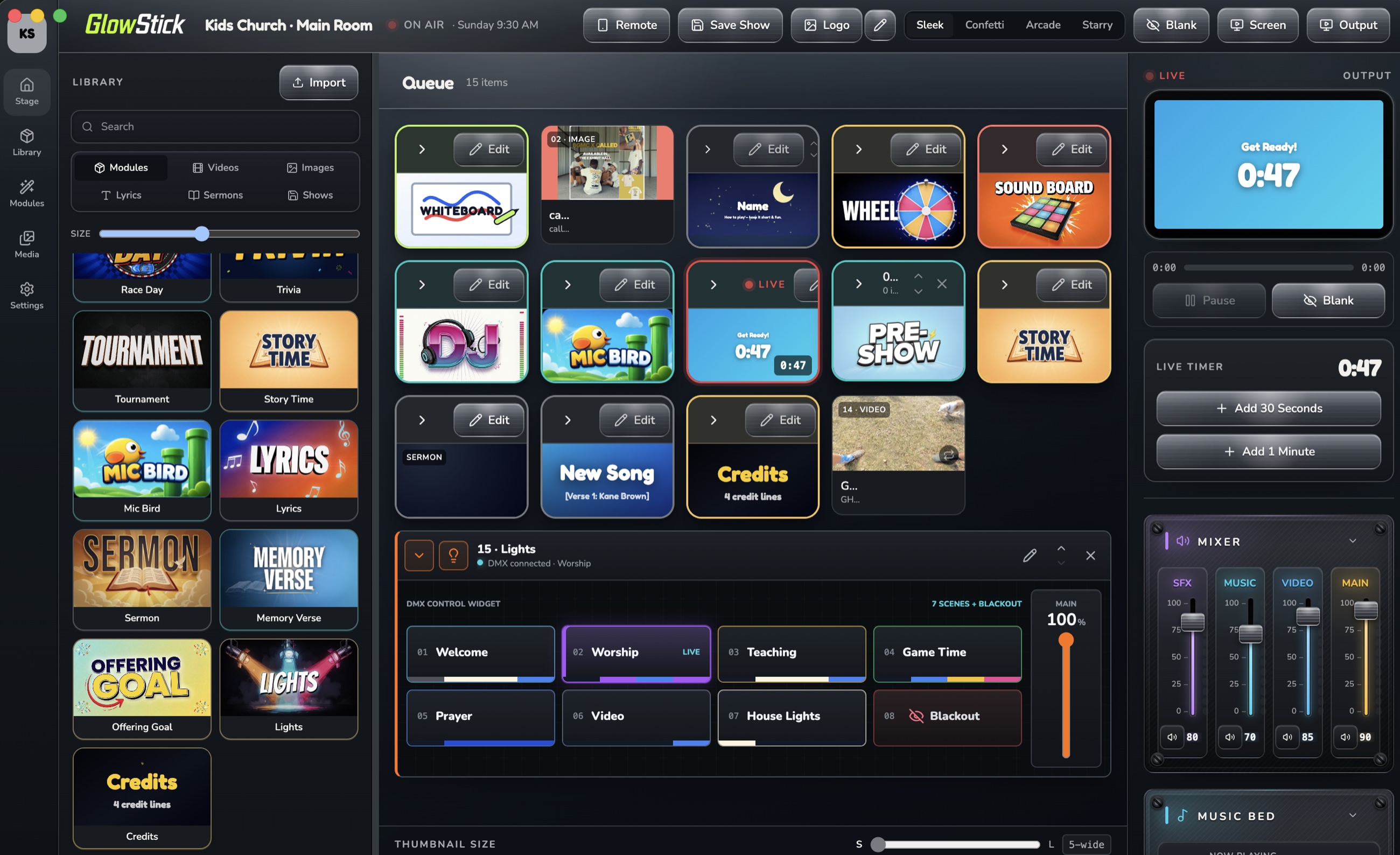
Add modules, images, and videos in the order you need. Reorder the service and save the finished show for another week.
Show control for KidStage teams
A slick live-production hub for kids ministry teams who need every cue, countdown, sound, light look, and leader note ready before the room gets loud.
Feature set
Add modules, images, and videos in the order you need. Reorder the service and save the finished show for another week.
Upload and preview images, videos, music, and sound effects, then add the right asset without leaving the show.
Control Game Show, Trivia, Wheel, Tournament, Race Day, timers, and the Soundboard from the same queue.
Attach music or sound effects to slides and modules, preview tracks, fade audio, and balance the room with the live mixer.
Configure fixtures and scenes, attach lighting cues to modules, trigger looks from the queue, and use blackout when needed.
Use the phone remote on stage, send content to the output screen, and choose a confidence-monitor view for the presenter.
How it works
Map the flow, notes, media, games, and transitions before the morning starts.
Drop in audio, timers, screen prompts, and lighting moments for every beat.
Use a simple live surface that keeps the next best action obvious.
Save the service, reuse the structure, and keep building a better library.
Private beta
Beta access is invitation-only while we finish testing. Tell us who you are and which kind of computer you use. There is no account or password to remember; approved testers receive a simple access code.